Cos72 Role Tour
Cold Launch →

Pick a role, let the little guide walk you through

Cos72 is an account-abstraction wallet & community OS built on WebAuthn (Face ID), BLS aggregate signatures, and ERC-4337. Below, in comics: what each role can do, the tech behind it, and why it matters to you.

🎒 Xiao J guides «Individual User»: The full journey: verify email, create the account with Face ID, set guardians, transfer, recover, and join a community.

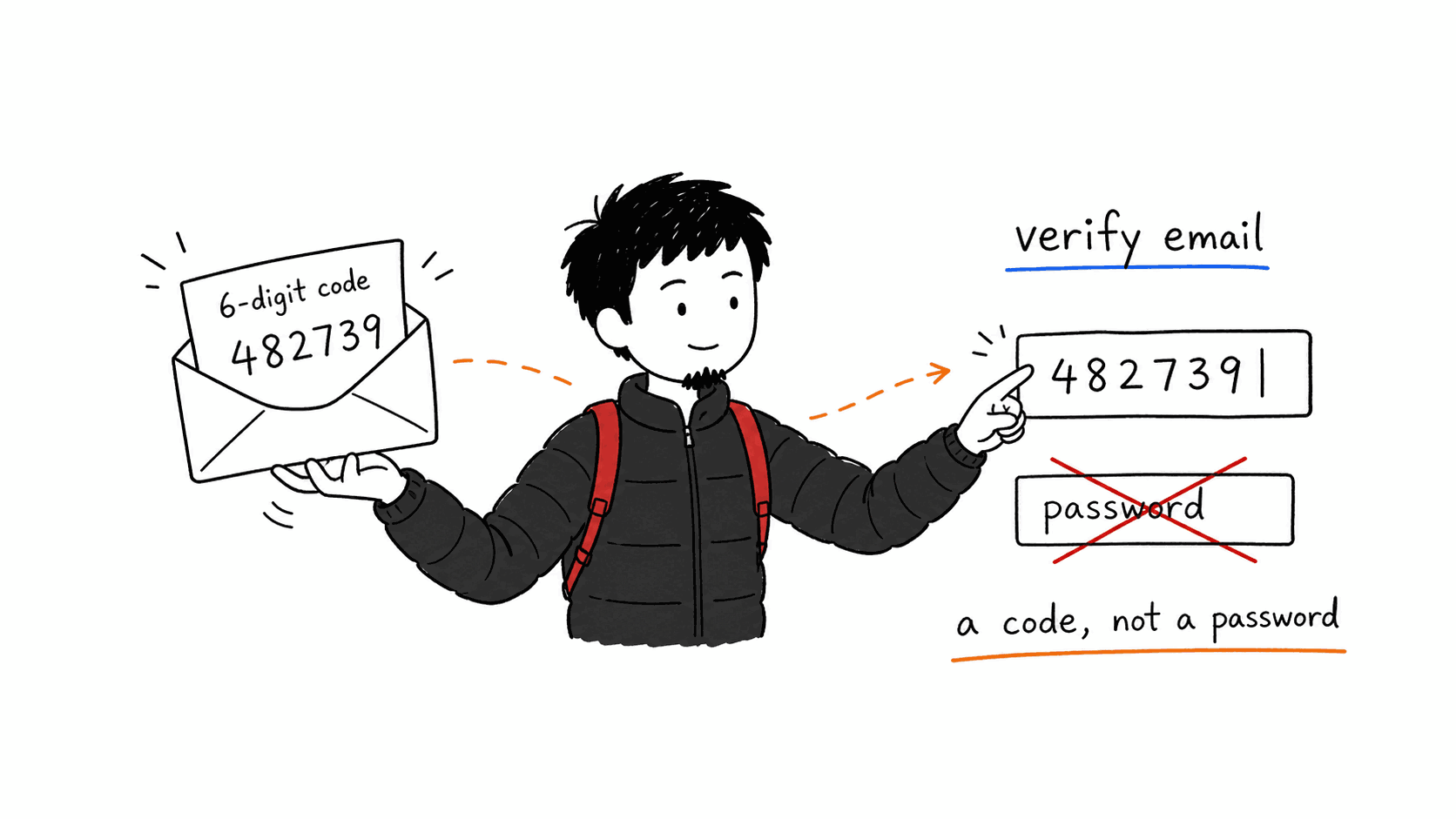
1 Start with your email (a code, not a password)

Start with your email (a code, not a password)

Registration starts with your email: we send a 6-digit code to confirm it's you. Email is just a simple way to reach you — it is not your password and not your security.

⚙️ How it works: A one-time code (OTP) verifies you and creates the account record (a JWT); no password is ever stored.

💡 Why it matters: A familiar first step — nothing to memorize or invent.

AUTH-01
2 Create your passkey (Face ID or Passkey)

Create your passkey (Face ID or Passkey)

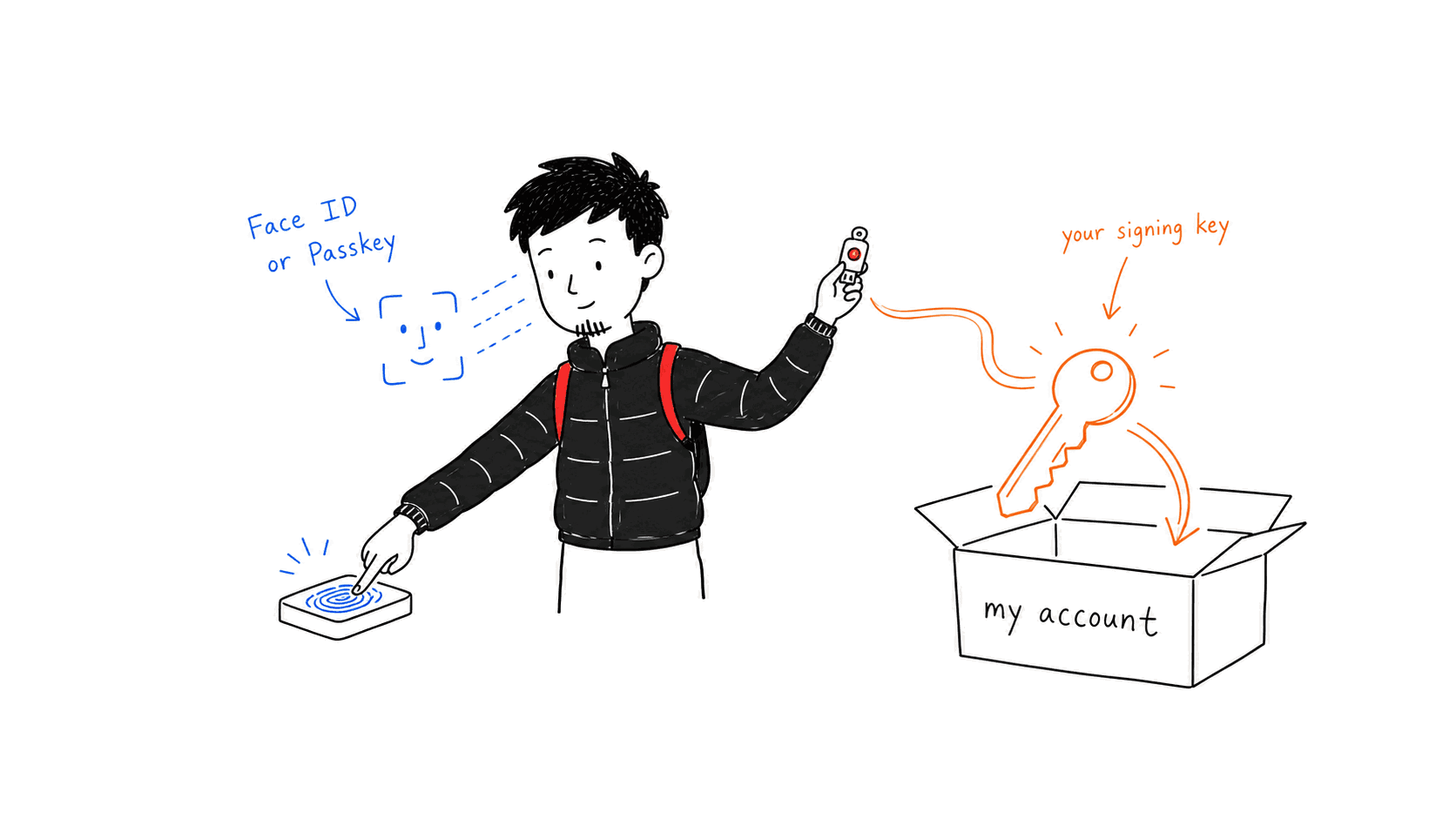
Next you create a passkey with Face ID / Touch ID (or a security key). This passkey becomes the key that signs for your on-chain account.

⚙️ How it works: WebAuthn generates a P-256 credential (key held in KMS), bound as the signer of your AirAccount — no password, no seed phrase.

💡 Why it matters: Your face or fingerprint is your wallet key.

AUTH-02
3 Go on-chain: deploy your account + set guardians

Go on-chain: deploy your account + set guardians

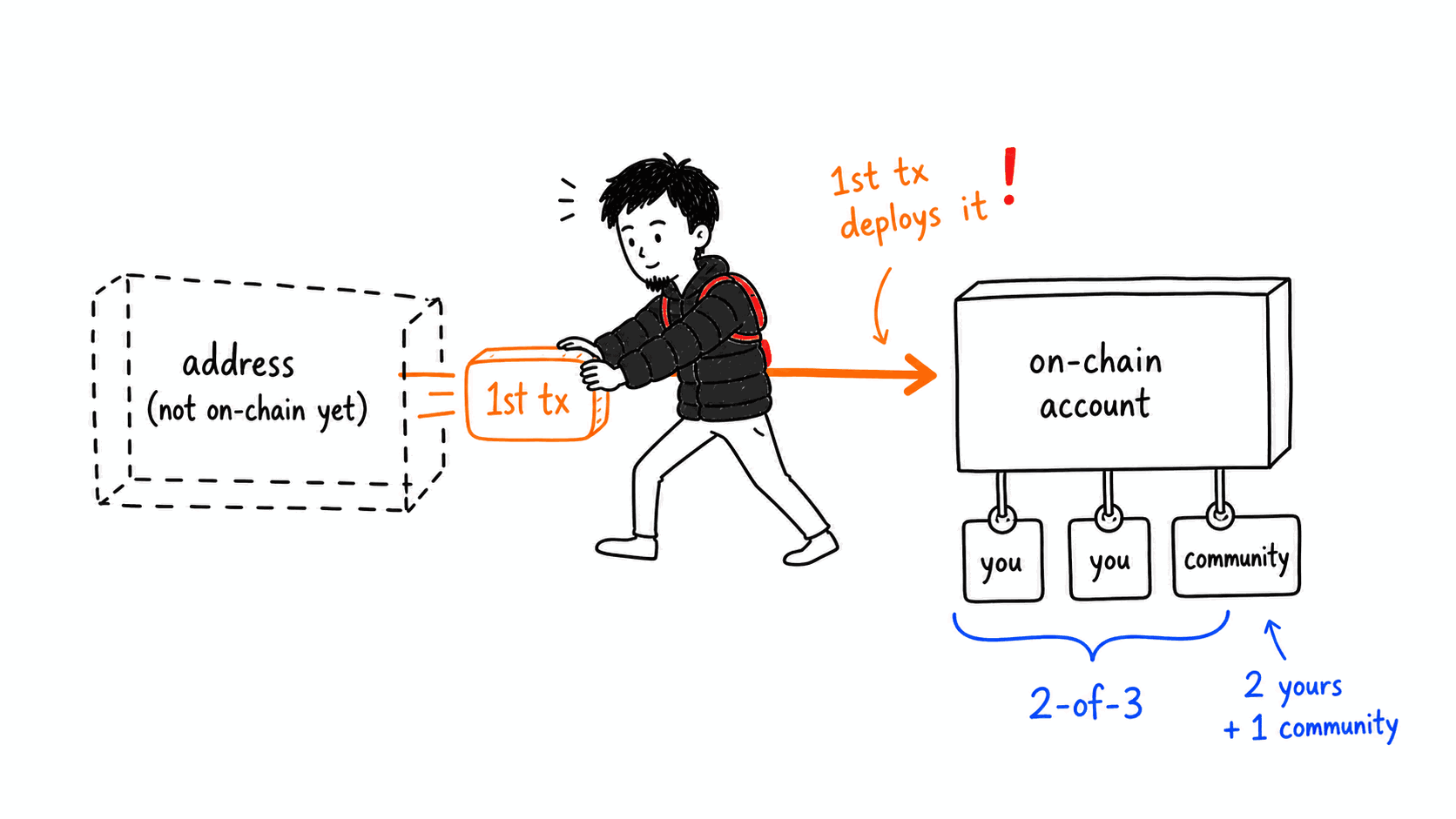
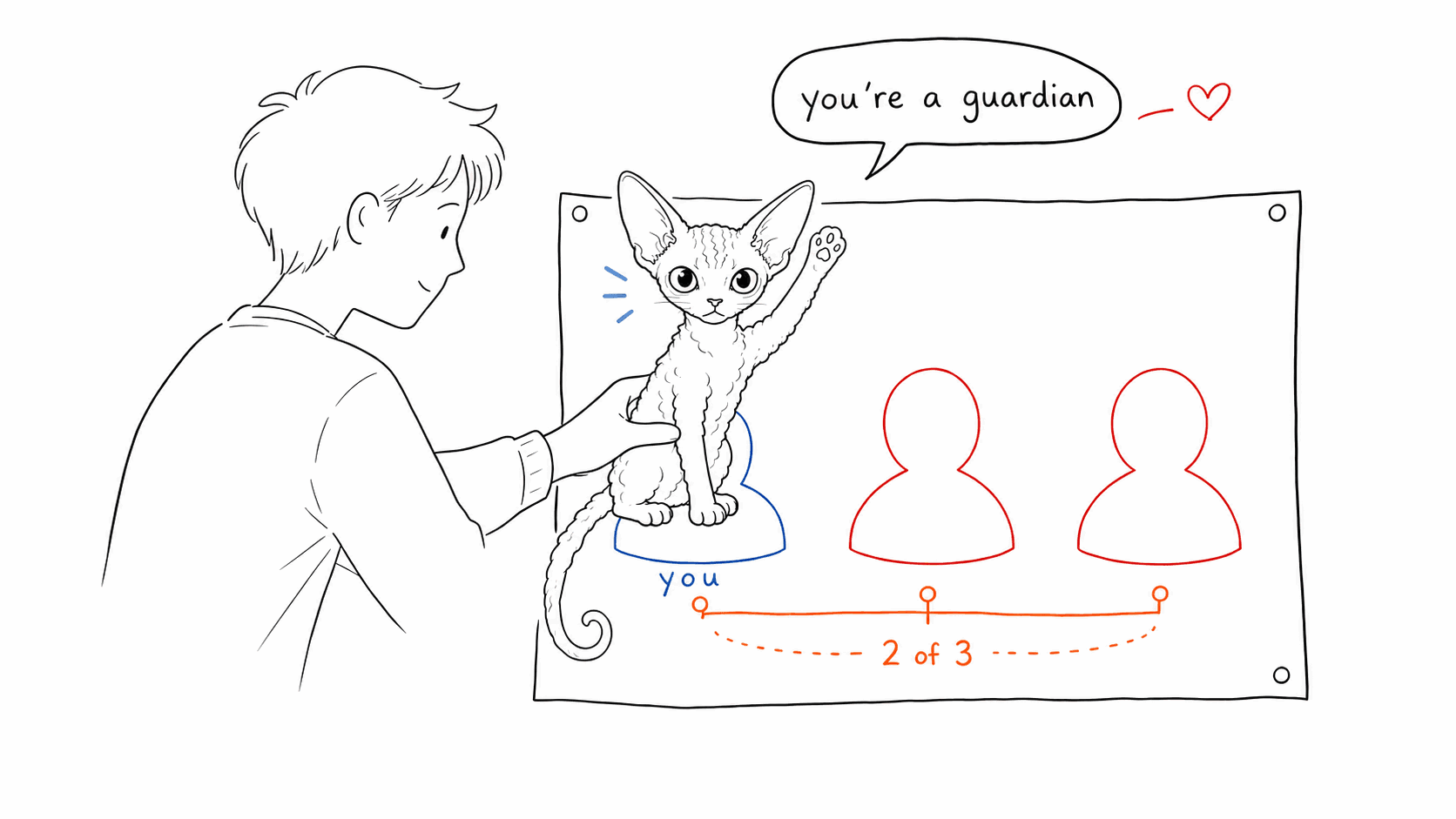
Your address exists from day one as a 'counterfactual' address; your first transaction deploys it for real. At that moment you set guardians: 2 of your own + 1 community guardian (2-of-3).

⚙️ How it works: An ERC-4337 counterfactual account, deployed on the first UserOp (create-with-guardians); a guardian can be a passkey, an EOA wallet (e.g. MetaMask), a friend's account, or the community — flexible by design.

💡 Why it matters: Recovery is wired in from the start — no separate setup, and you can't 'forget' to protect yourself.

AUTH-03REC-01
4 Add a spending Guard Policy

Add a spending Guard Policy

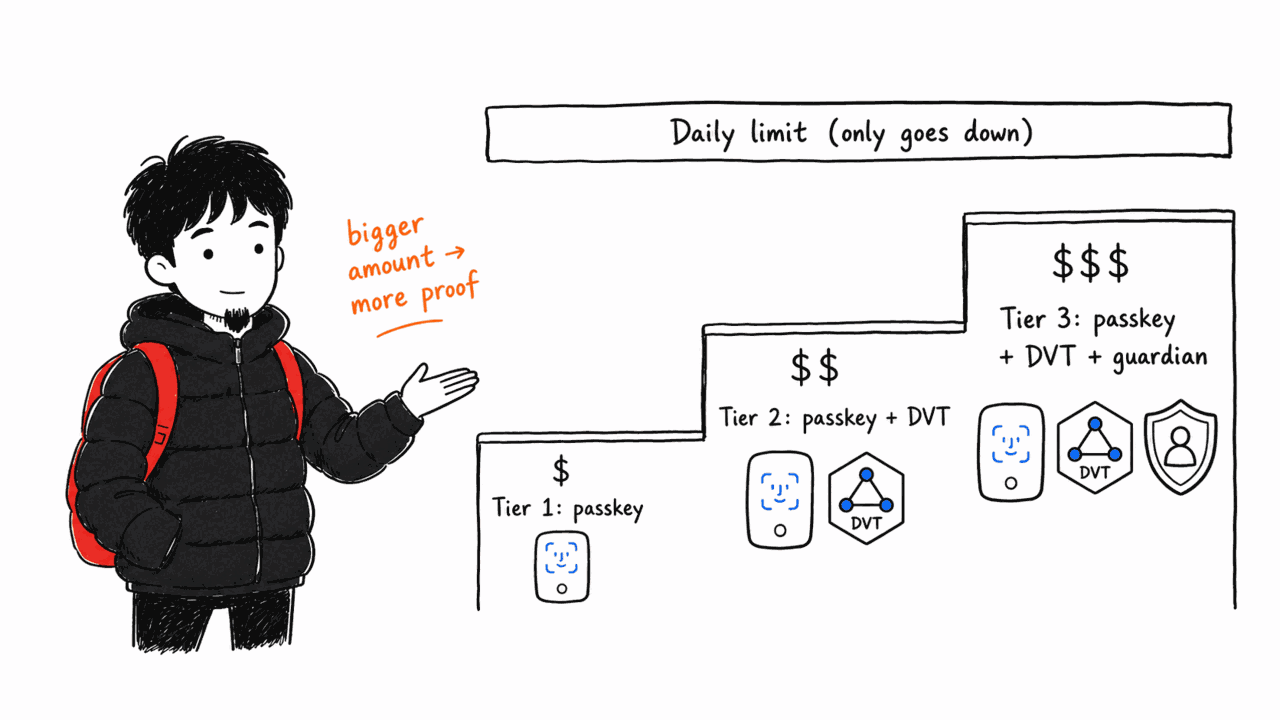
This step is NOT adding guardians (those were set when your account was created) — here you set spending policies: a daily cap, plus amount-based verification tiers. The daily limit can only be lowered, never raised.

⚙️ How it works: Security is layered (verification escalates with amount): small transfers need only your passkey (Tier 1); larger ones add a DVT co-signature (Tier 2); large ones additionally require a guardian's signature (Tier 3) — the bigger the amount, the more factors it takes. On top sits the monotonic daily cap (raising it reverts on-chain).

💡 Why it matters: Even if your key is stolen: the daily cap limits one-day damage, and big transfers simply can't go through without extra guardian approval.

GRD-03GRD-07XFER-02XFER-03
5 Transfer with a fingerprint

Transfer with a fingerprint

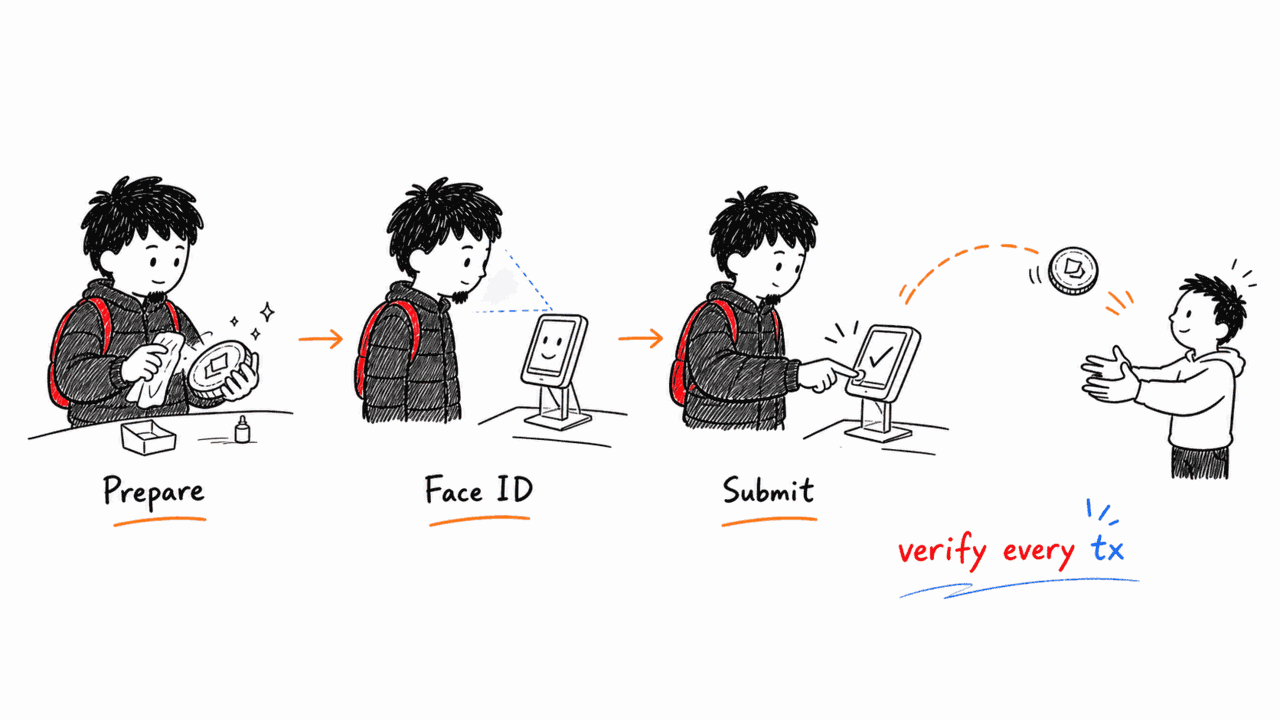
Every transfer needs your own Face ID / fingerprint: prepare → sign → submit on-chain.

⚙️ How it works: Two-phase ceremony (prepare/submit); released only after passkey assertion + BLS aggregate signature verify.

💡 Why it matters: Mandatory per-transaction verification makes phishing / forged signing very hard.

🔗 Real Sepolia tx (XFER-01)
XFER-01
6 Social recovery — never fear a lost device

Social recovery — never fear a lost device

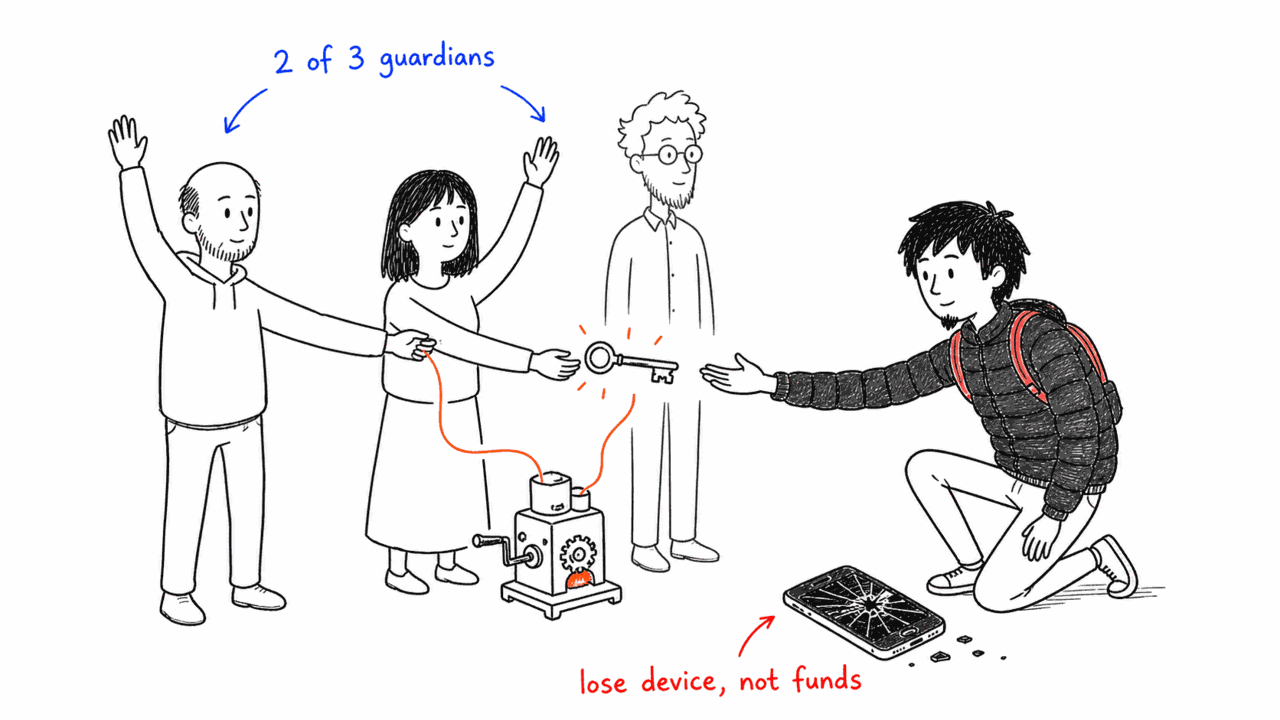
Lost your phone? Recovery needs any 2 of your 3 guardians. The default community guardian is only 1 of 3 — so it can never act alone, it can only help you.

⚙️ How it works: 2-of-3 social recovery swaps the signer; the community guardian is a public multisig that re-confirms it's really you through real, in-person social memories — anchored in relationships, not a key.

💡 Why it matters: Lose a device or even one guardian and you still recover; and a rogue community still can't steal your funds (1 < 2).

REC-06
7 Stake for one ticket, join any permissionless community

Stake for one ticket, join any permissionless community

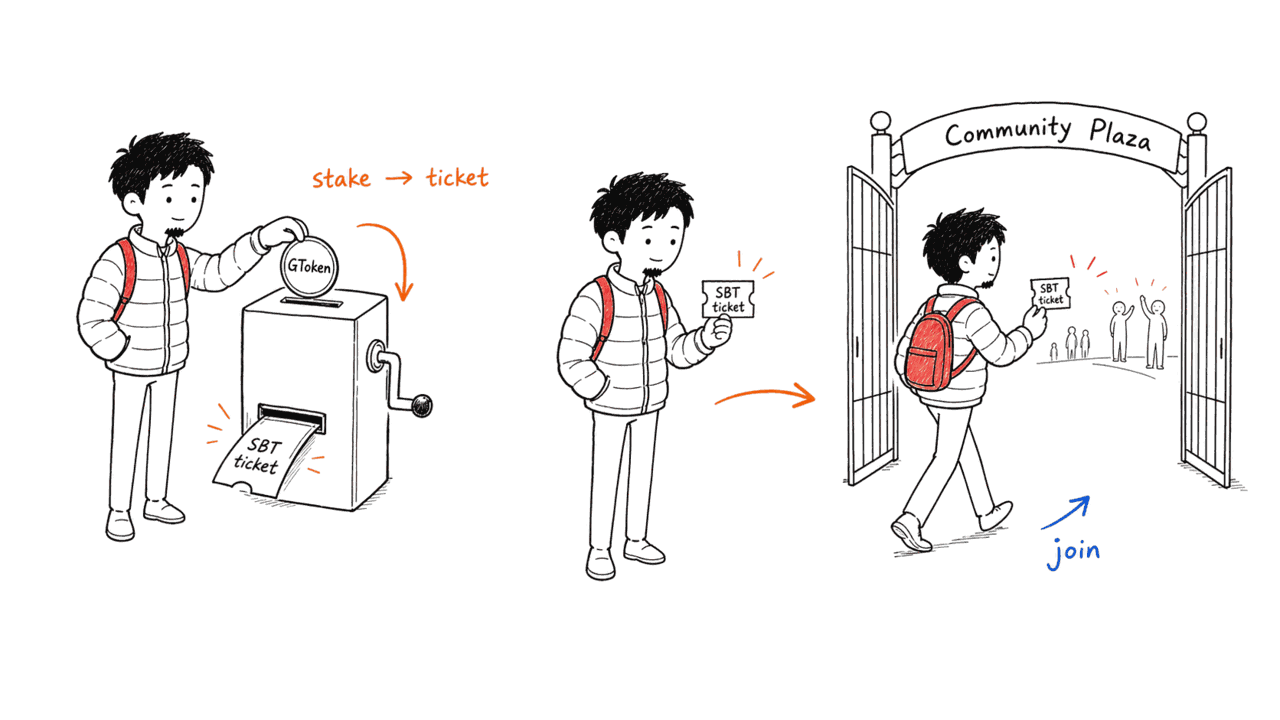
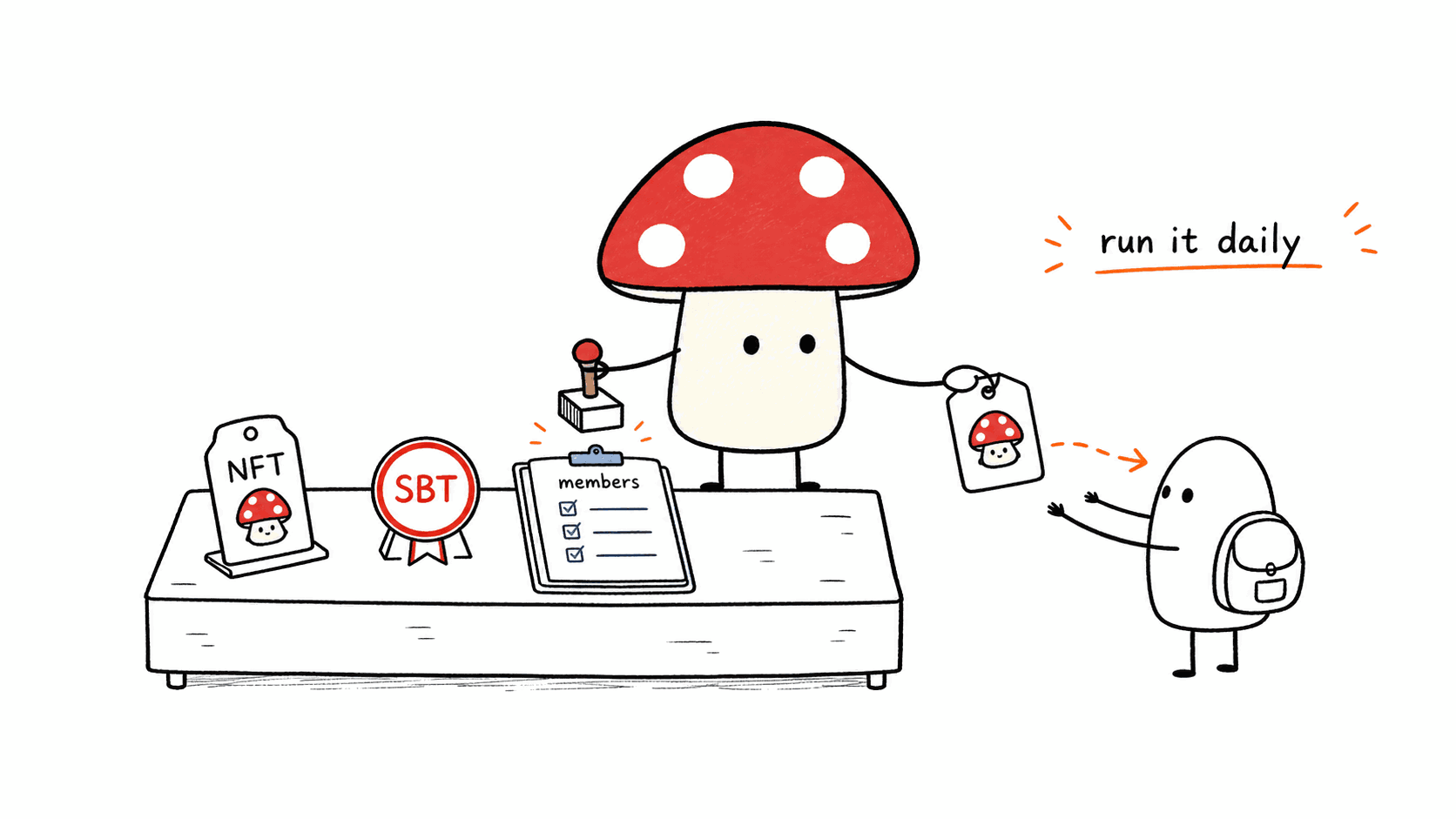
Stake GToken for one ticket (SBT); with that single ticket you can join any permissionless community — from 'using a wallet' to 'joining a community'.

⚙️ How it works: Staking mints a non-transferable SBT ticket as proof of membership; communities are aggregated in the plaza.

💡 Why it matters: Turns a wallet into a community gateway — the meaning-economy base Cos72 is built for.

COM-U-01COM-U-03

🎒 Xiao J guides «Visitor»: Not signed up yet — look around, then step in.

1 Browse the community plaza freely

Browse the community plaza freely

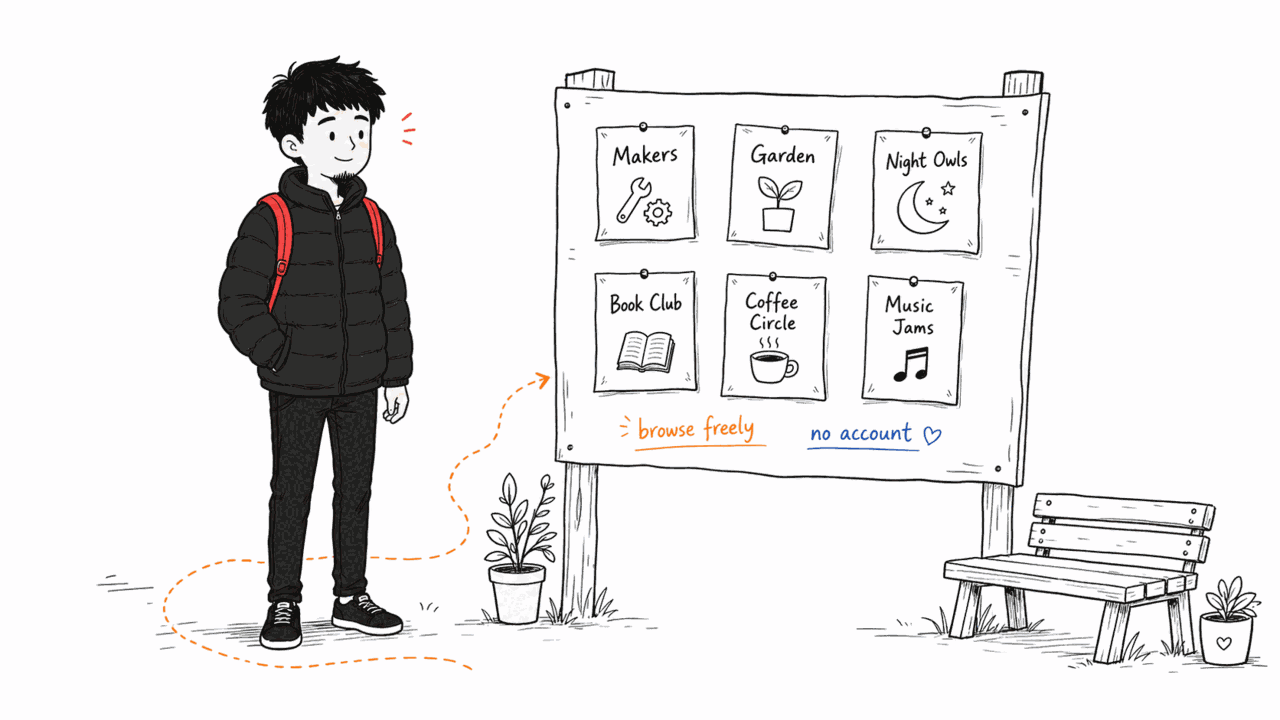
No account needed to browse the community plaza: every community's name, ENS, token and logo is aggregated for you to see.

⚙️ How it works: A public read-only endpoint (community/list) aggregates on-chain communities; even search engines can index it.

💡 Why it matters: See what's there before deciding to join.

COM-U-02
2 Want to act? Sign in first

Want to act? Sign in first

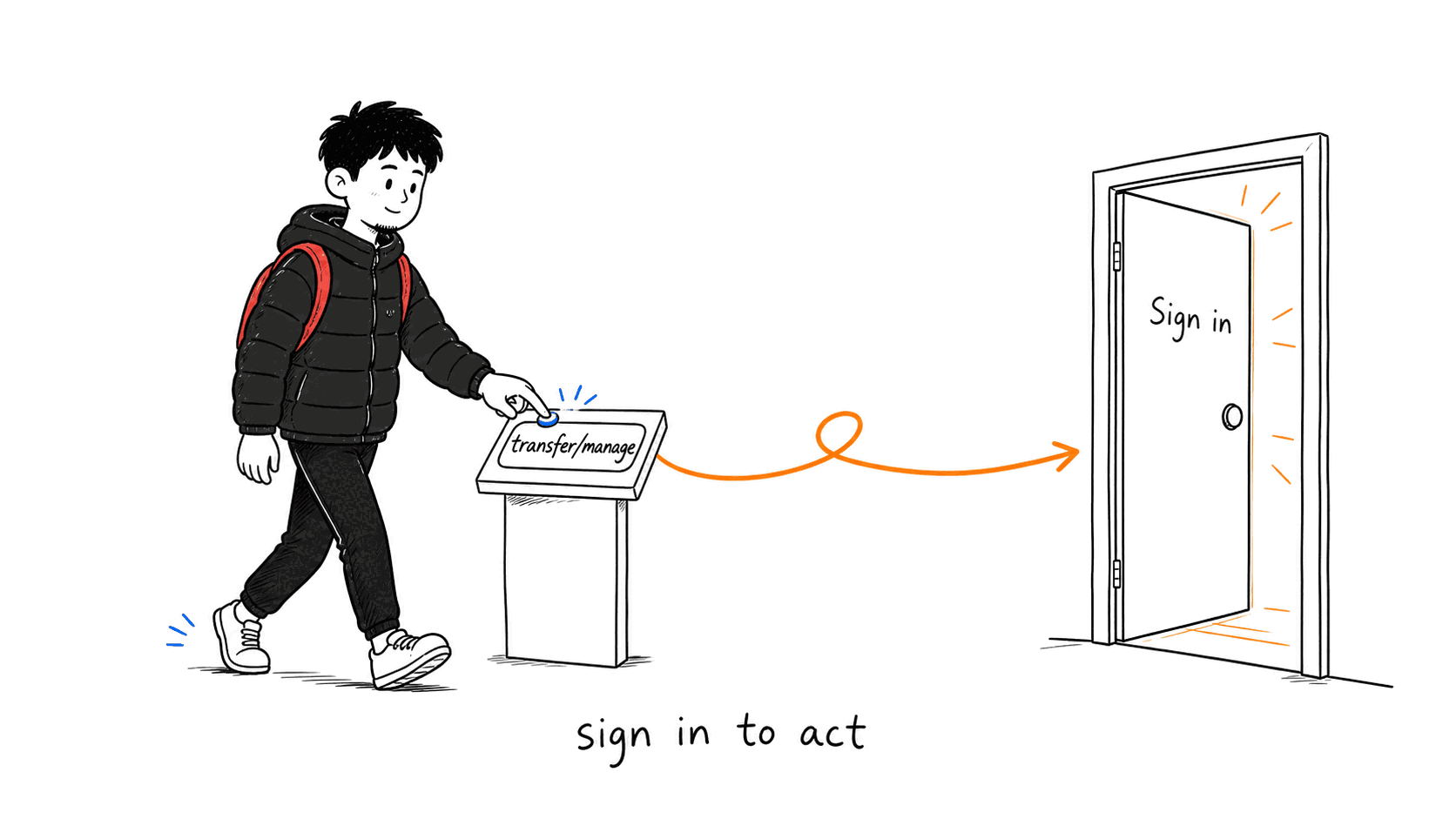
When a visitor taps an action that needs identity (transfer / manage / join), they're gently redirected to sign in — never a blank error.

⚙️ How it works: Protected routes redirect to /auth/login (and the backend returns 401); public pages stay open.

💡 Why it matters: Clear boundary: read freely, but prove who you are before you act.

AUTH-10AUTH-05
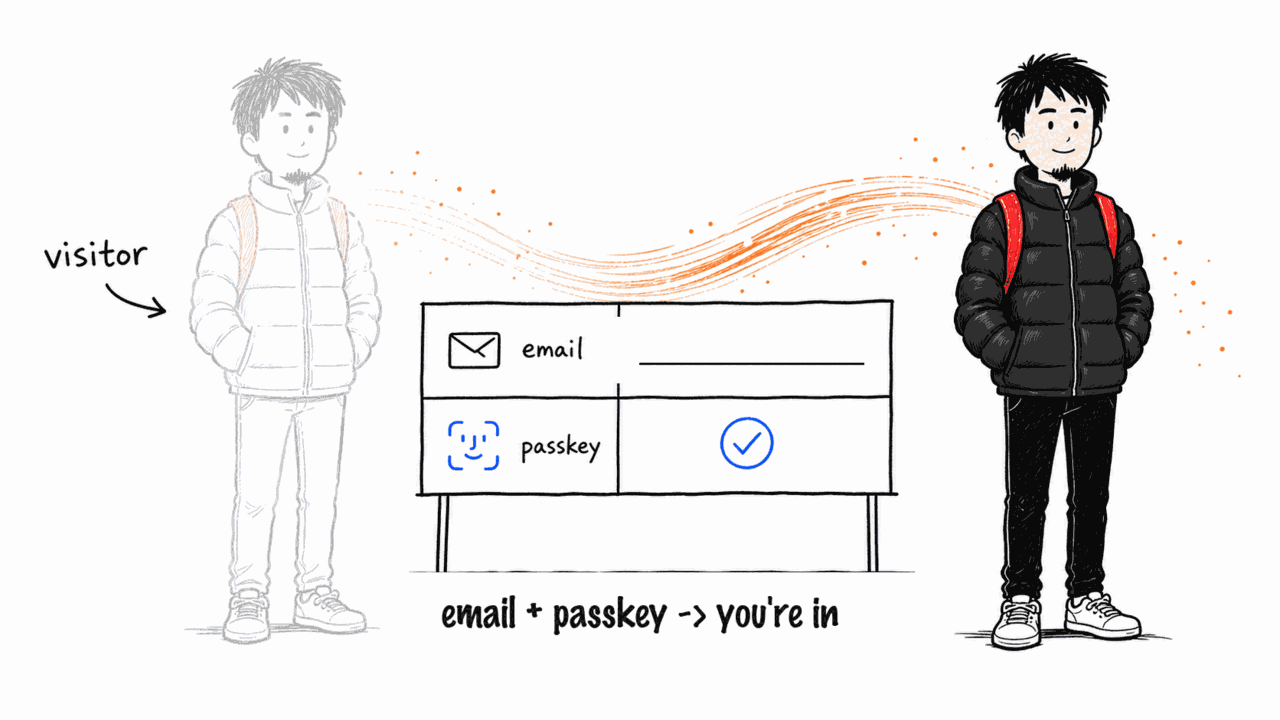
3 Become a user in one step

Become a user in one step

Ready to join? Enter your email and create a passkey — you go from visitor to Individual User (see the Individual tour).

⚙️ How it works: Email OTP + a WebAuthn passkey — no password, no seed phrase, account created counterfactually.

💡 Why it matters: From onlooker to member is just one Face-ID away.

AUTH-01AUTH-02

🍄 Xiao M guides «Community Admin»: Open a community: register on-chain, issue your own points, set a gas strategy, run it.

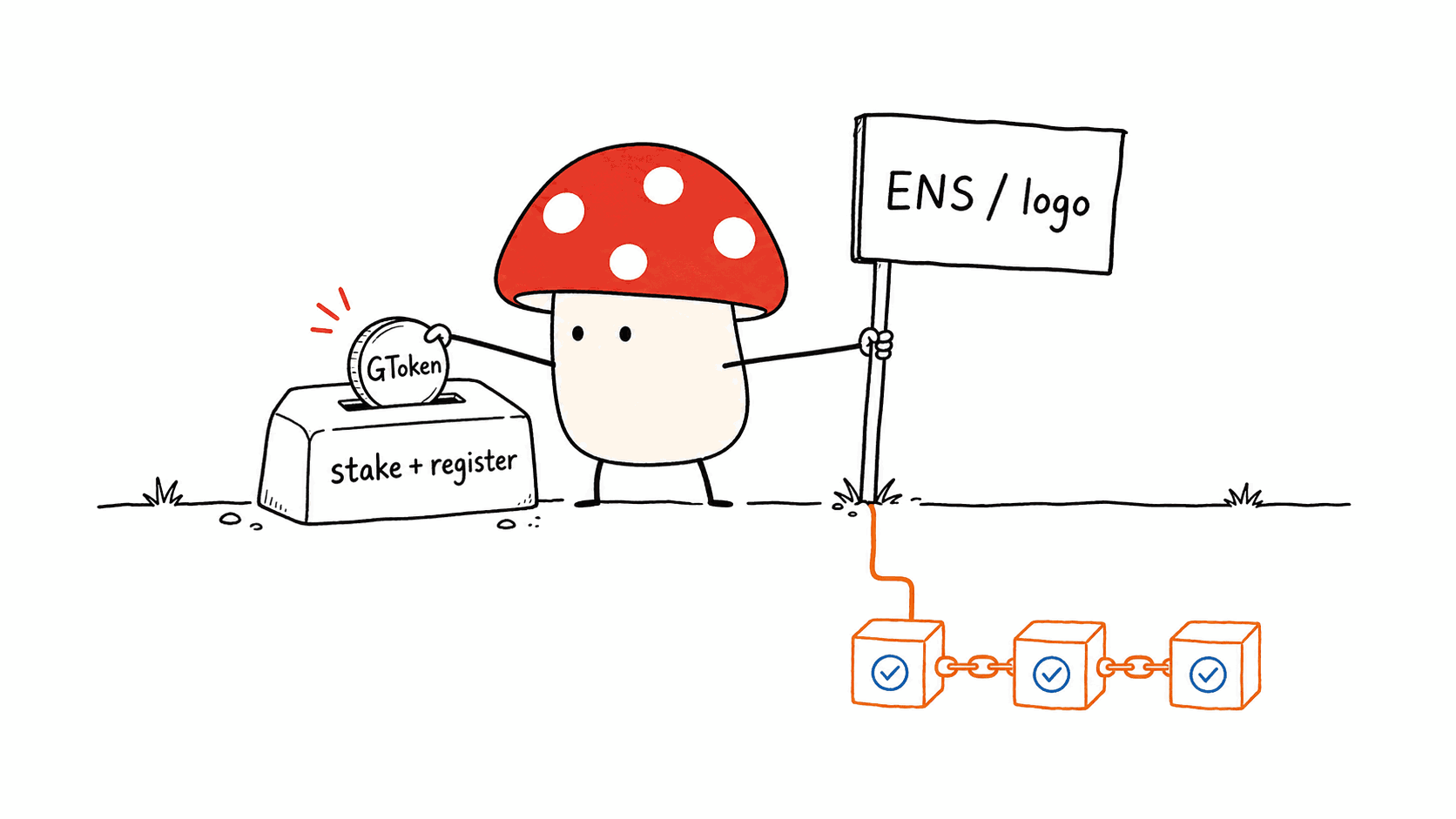
1 Register your community (stake + on-chain)

Register your community (stake + on-chain)

Buy GToken as a prerequisite, then stake + registerCommunity with your ENS / domain / description / logo (on IPFS). Your community is now on-chain and discoverable.

⚙️ How it works: A registry contract records the community; addresses come from the @aastar/sdk canonical table, never hard-coded.

💡 Why it matters: What used to cost a lot to build is now a stake + one registration.

COM-A-01COM-A-02
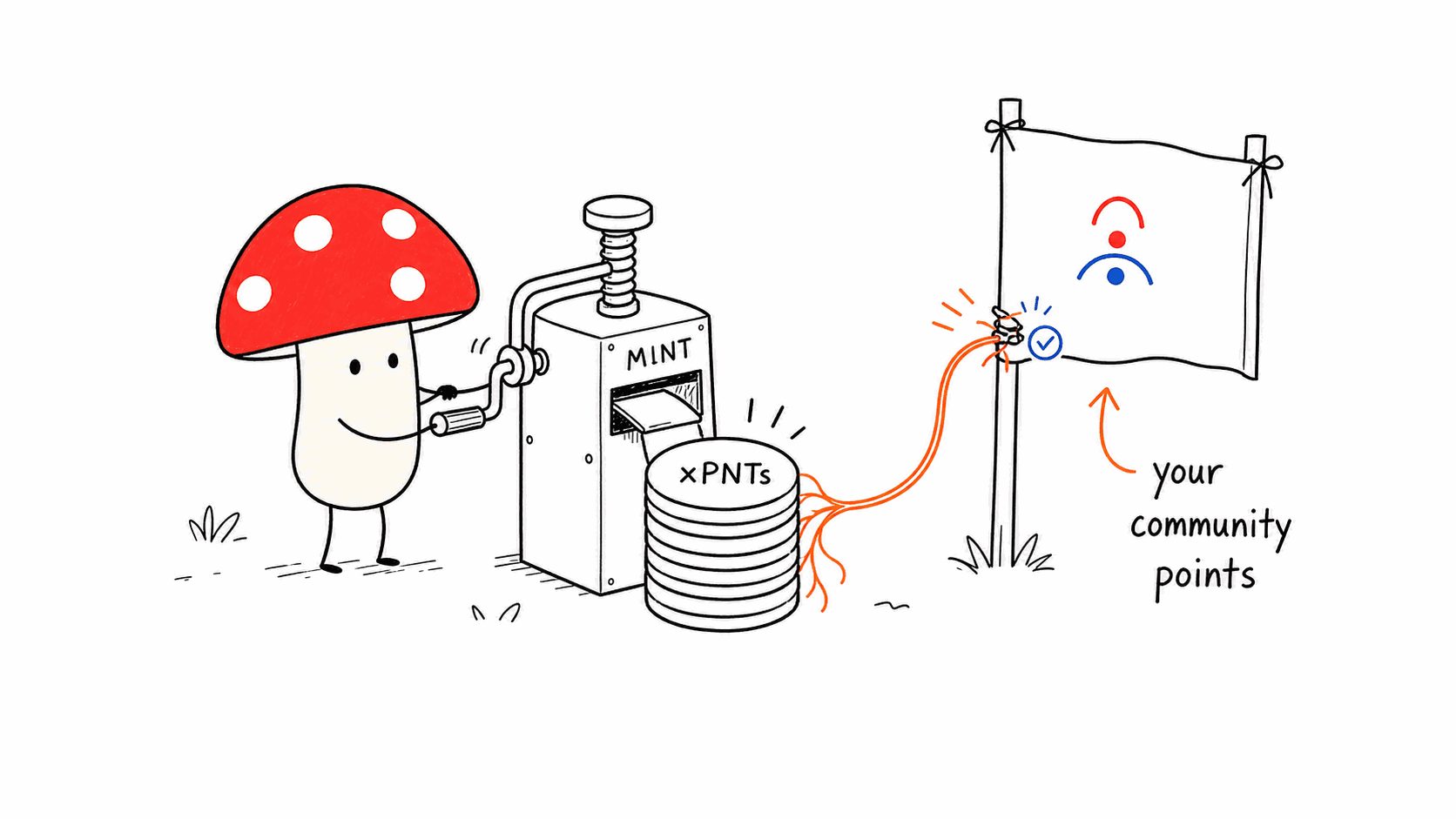
2 Issue community points (xPNTs)

Issue community points (xPNTs)

On creation you issue your own community points, xPNTs (deployxPNTs + bind to the community) — for rewards, redemption and governance.

⚙️ How it works: The xPNTs contract is deployed and bound to the community; it can price gas sponsorship via SuperPaymaster.

💡 Why it matters: Each community gets its own 'currency' — the incentive loop is yours.

COM-A-03
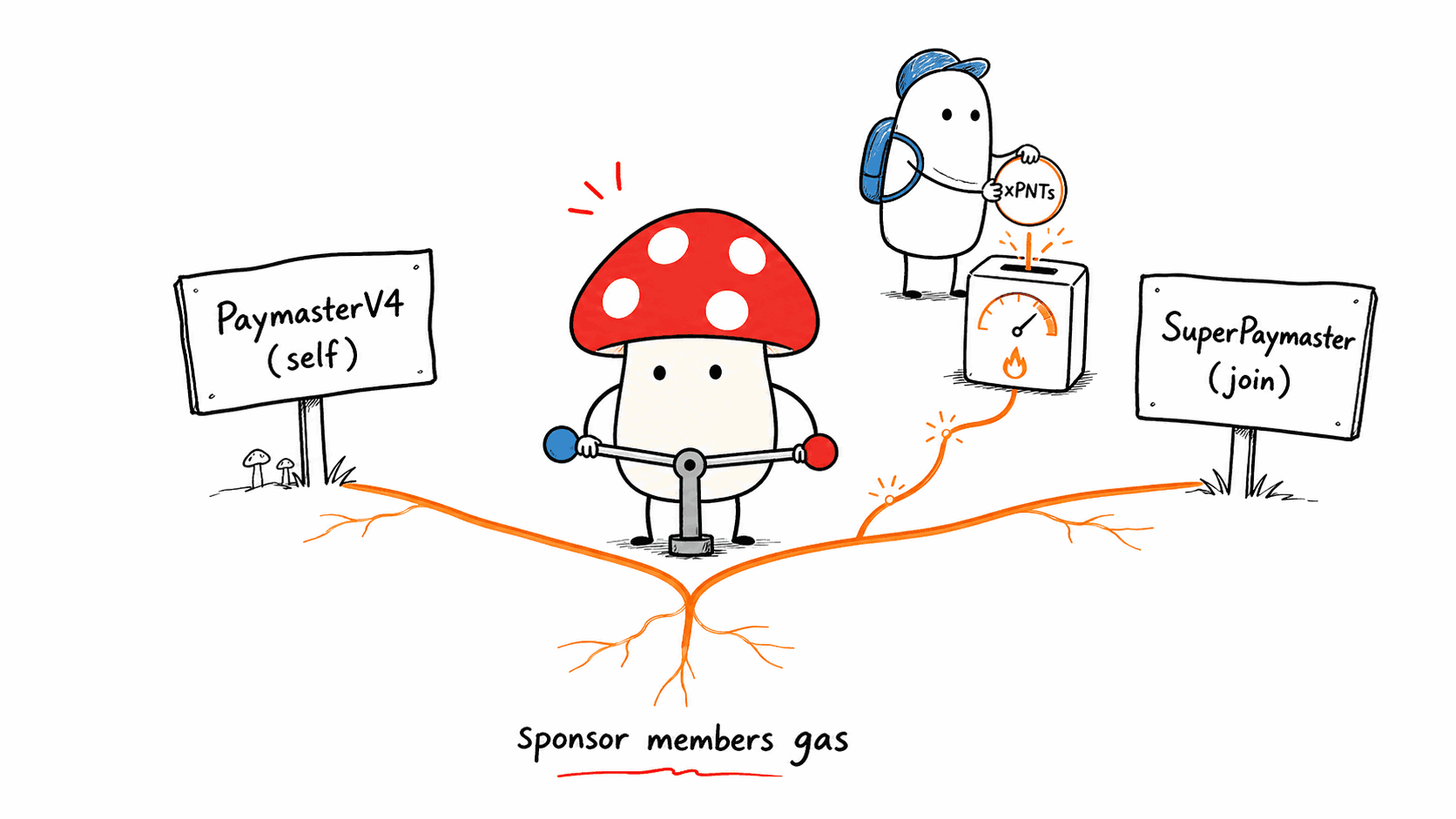
3 Pick a gas strategy — sponsor members' gas

Pick a gas strategy — sponsor members' gas

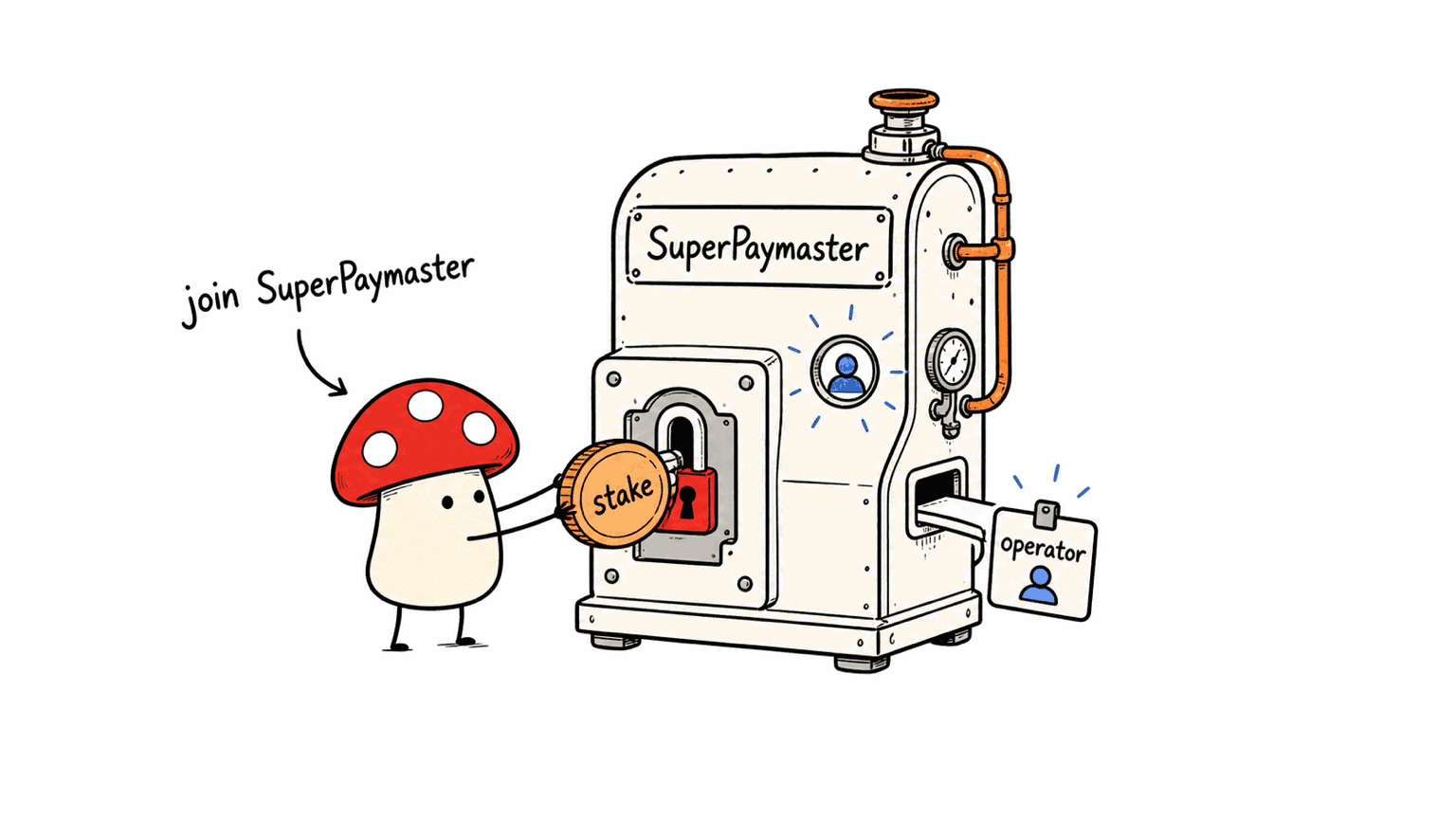
Two strategies: A) self-deploy PaymasterV4 (free, self-run); B) join SuperPaymaster (register your points and it sponsors). Members can now transact gasless.

⚙️ How it works: Self-deploy PaymasterV4 + EntryPoint depositTo; or register xPNTs into the SuperPaymaster ecosystem.

💡 Why it matters: New members never need to learn about gas — a Web2-like experience.

COM-A-04COM-A-05
4 Daily ops: redeem · goods · reputation · members

Daily ops: redeem · goods · reputation · members

Set up a redeem counter, issue NFT goods, mint non-transferable reputation NFTs (SBTs), and view / approve / remove members.

⚙️ How it works: ERC-1155/721 goods + reputation SBTs; member status is verifiable on-chain and in the console.

💡 Why it matters: One console to run the community's money, goods, people and reputation.

COM-A-06COM-A-07COM-A-08COM-A-09

🍄 Xiao M guides «Operator (gas node)»: Run a gas-sponsoring node in the SuperPaymaster ecosystem — pay others' gas, earn reputation.

1 Operator onboarding (AOA)

Operator onboarding (AOA)

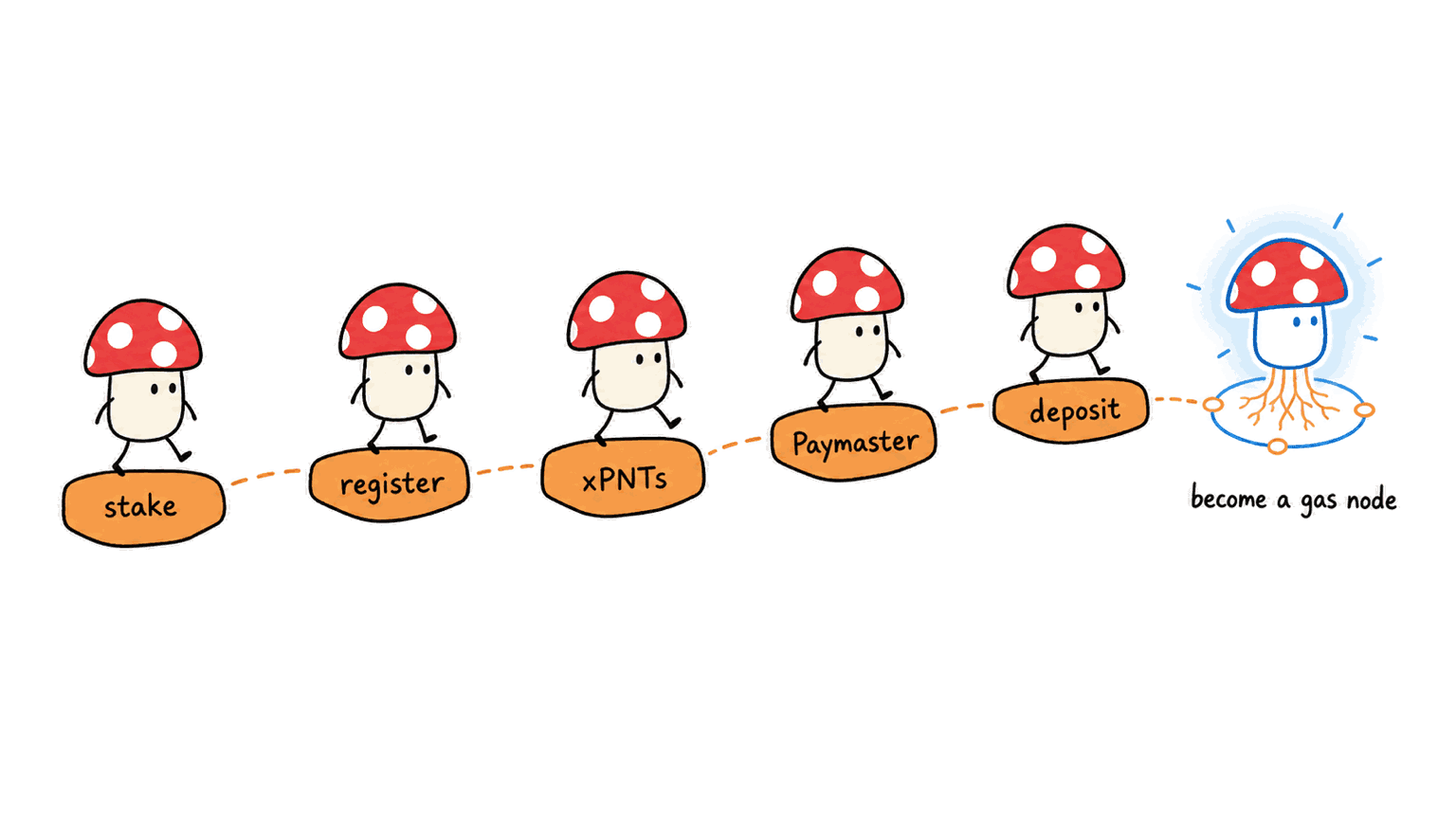
One wizard end-to-end: stake → register role → deploy xPNTs → deploy Paymaster → deposit. Every step goes on-chain.

⚙️ How it works: Register an operator role (ROLE_ANODE / DVT / Paymaster…); after EntryPoint deposit you can sponsor gas.

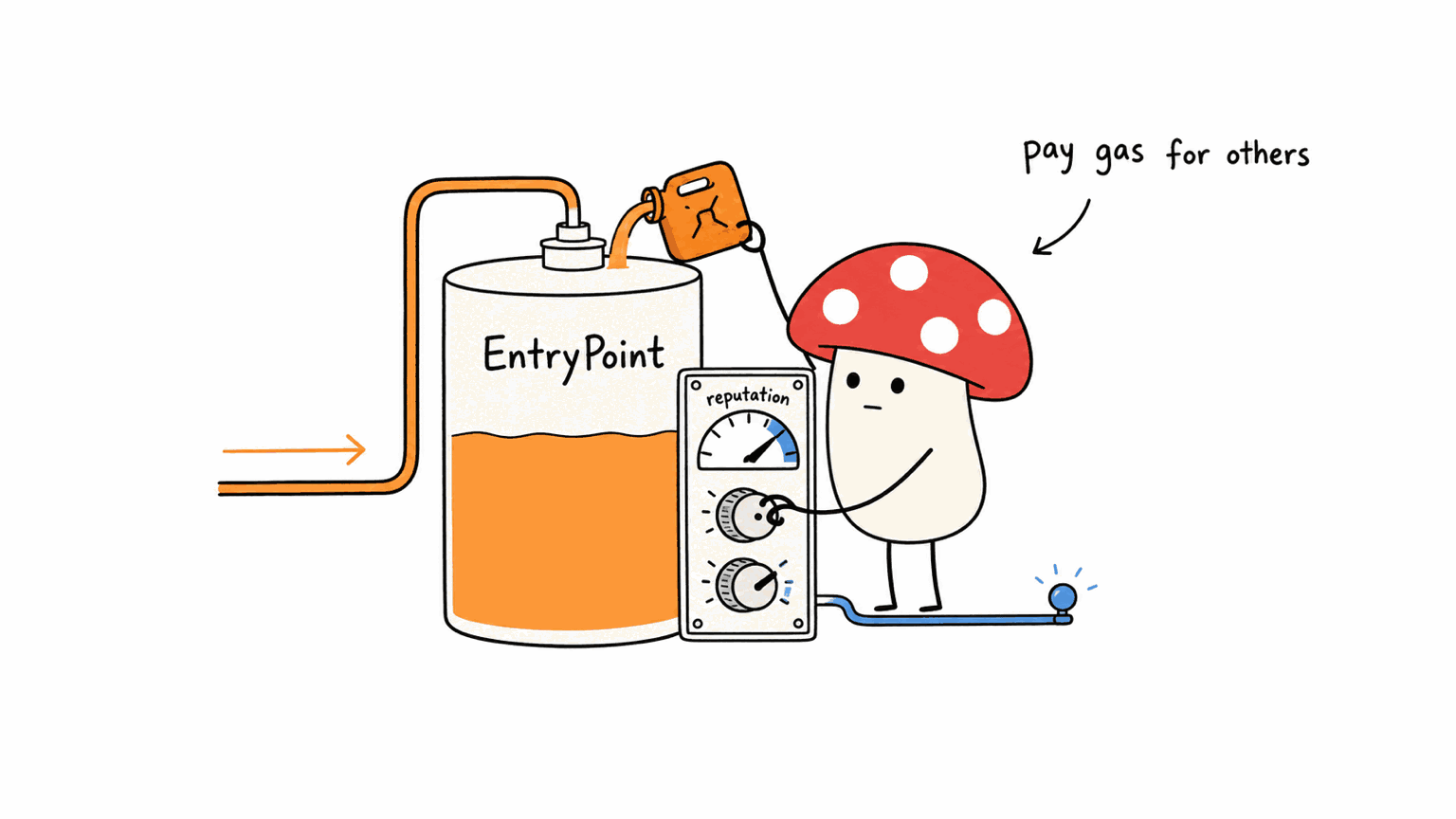
💡 Why it matters: Turns 'pay gas for others' into a service you can operate.

OPR-01
2 AOA+ admission: join SuperPaymaster

AOA+ admission: join SuperPaymaster

The advanced path: lockForSuperPaymaster → registerOperator → depositAPNTs, becoming a sponsor in the SuperPaymaster ecosystem.

⚙️ How it works: Lock + register operator + deposit aPNTs; unlike D6's community self-deploy, this is protocol-level admission.

💡 Why it matters: From serving just your community to serving the whole ecosystem.

OPR-02
3 Manage Paymaster & funding

Manage Paymaster & funding

ManagePaymaster: read/write PaymasterV4 config and top up the EntryPoint; SuperPaymasterConfig: account status, aPNTs deposit, reputation.

⚙️ How it works: Config changes affect sponsorship limits/policy; a resource pre-check (checkResources) clearly blocks + guides when short.

💡 Why it matters: Sponsorship isn't a black box: limits, balance and reputation are visible and adjustable.

OPR-03OPR-04OPR-06

🐱 Baobao guides «Guardian»: Be someone's guardian: help them recover when they lose a device.

1 Become 1 of someone's 3 guardians

Become 1 of someone's 3 guardians

A friend sets you as one of their 3 guardians (2-of-3) at account creation. You don't need special protection — a normal AirAccount can be a guardian.

⚙️ How it works: A guardian is just 'a party who can sign', borrowing a signing identity; non-recursive, not tied to any single device.

💡 Why it matters: Guard each other — a social safety net, not yet another key to keep.

REC-01
2 Co-sign through whatever channel suits you

Co-sign through whatever channel suits you

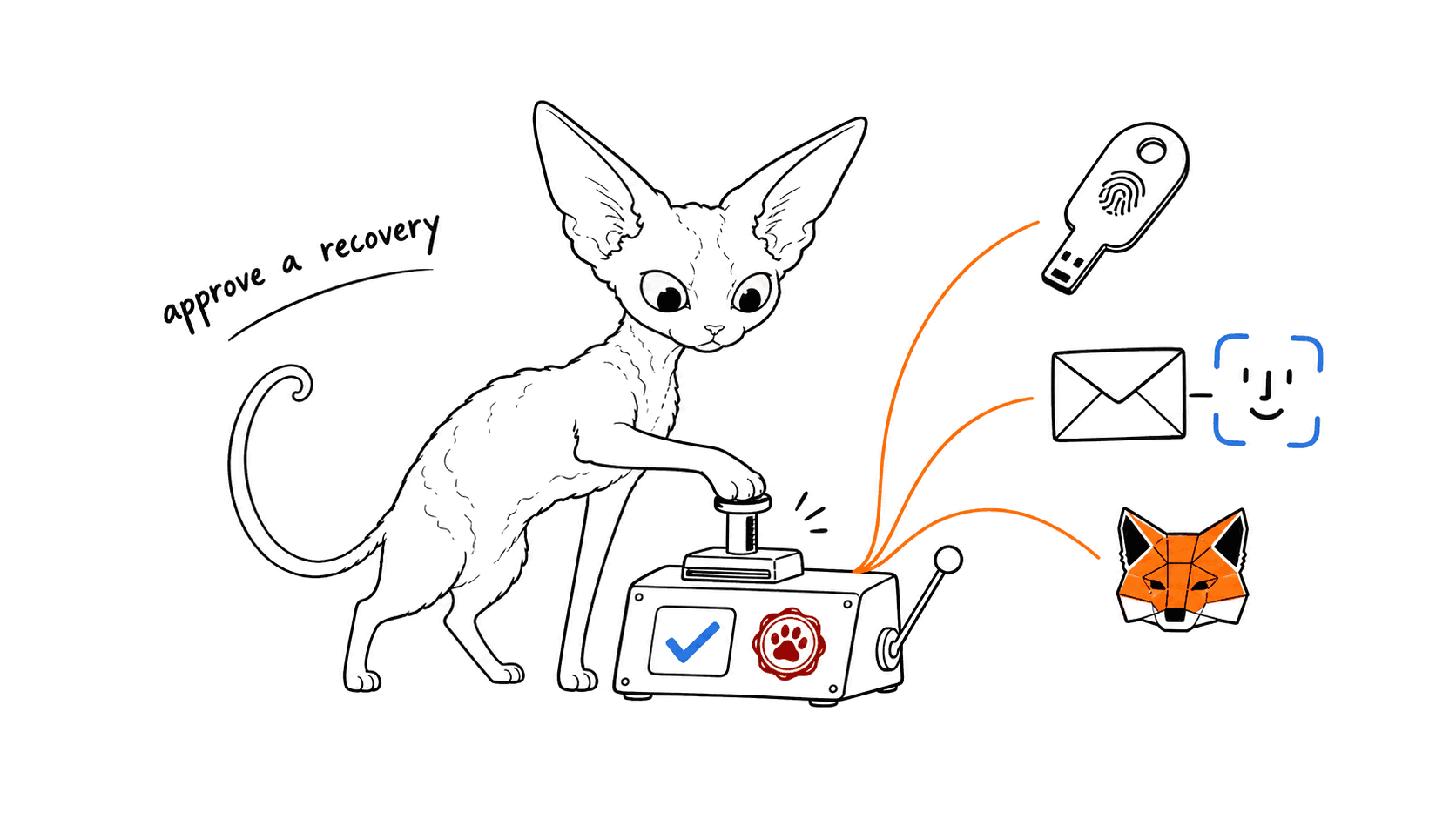
Many channels: an existing AirAccount passkey, a new email+FaceID (KMS ECDSA), MetaMask (personal_sign), or a pure-client P-256 passkey (iCloud/Google).

⚙️ How it works: The backend encodes the assertion (encodeWebAuthnAssertion) and relays proposeRecoveryWithSig on-chain; EOA / passkey / hybrid all work.

💡 Why it matters: Guardians sign the way that's easiest for them — almost no barrier.

REC-02REC-03REC-04REC-05
3 2-of-3 reached, account restored

2-of-3 reached, account restored

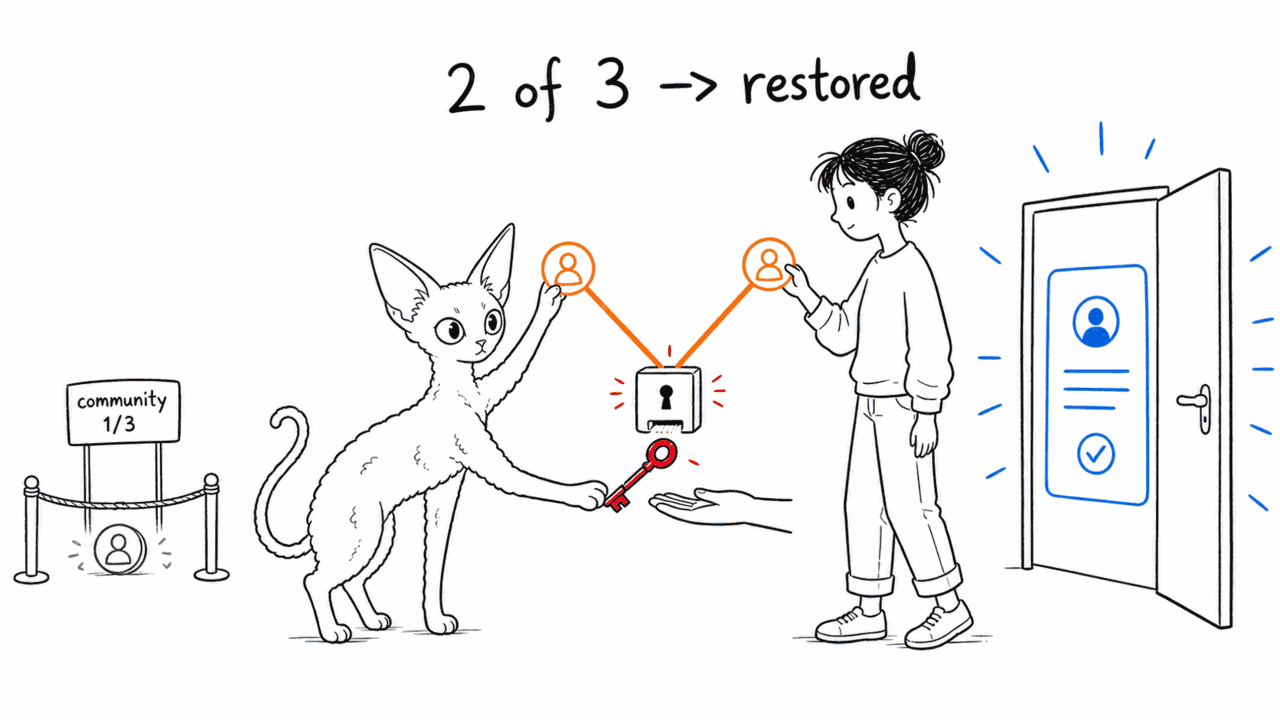
Recovery is initiated → you and one more guardian support → execute to swap the owner. Any 2 suffice; the account address stays the same and Guard config is untouched.

⚙️ How it works: Below threshold it can't execute (contract reverts); the community multisig guardian is only 1 of 3 and can never reach the threshold alone.

💡 Why it matters: Lose one guardian and recovery still works; no single point can steal the account.

REC-06REC-07

🐱 Baobao guides «Protocol Admin»: Tend the protocol itself: status, config and permission boundaries — with the SDK as the single source of truth.

1 Protocol dashboard

Protocol dashboard

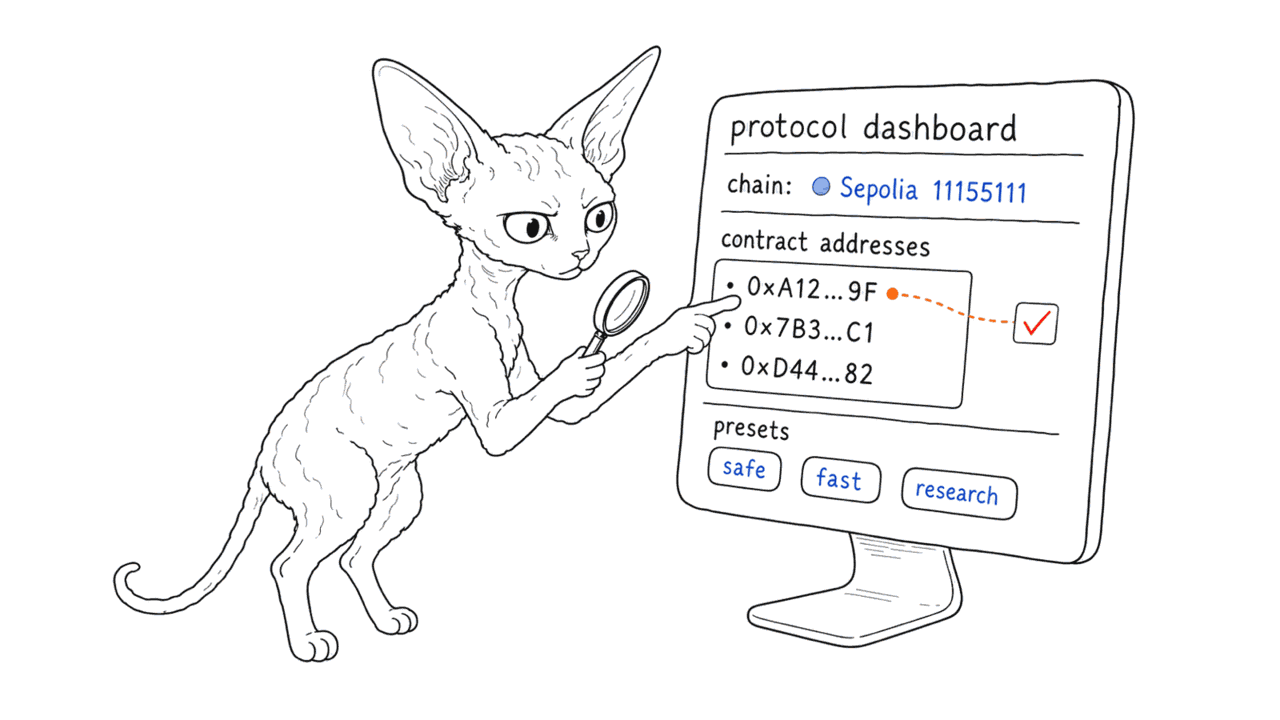
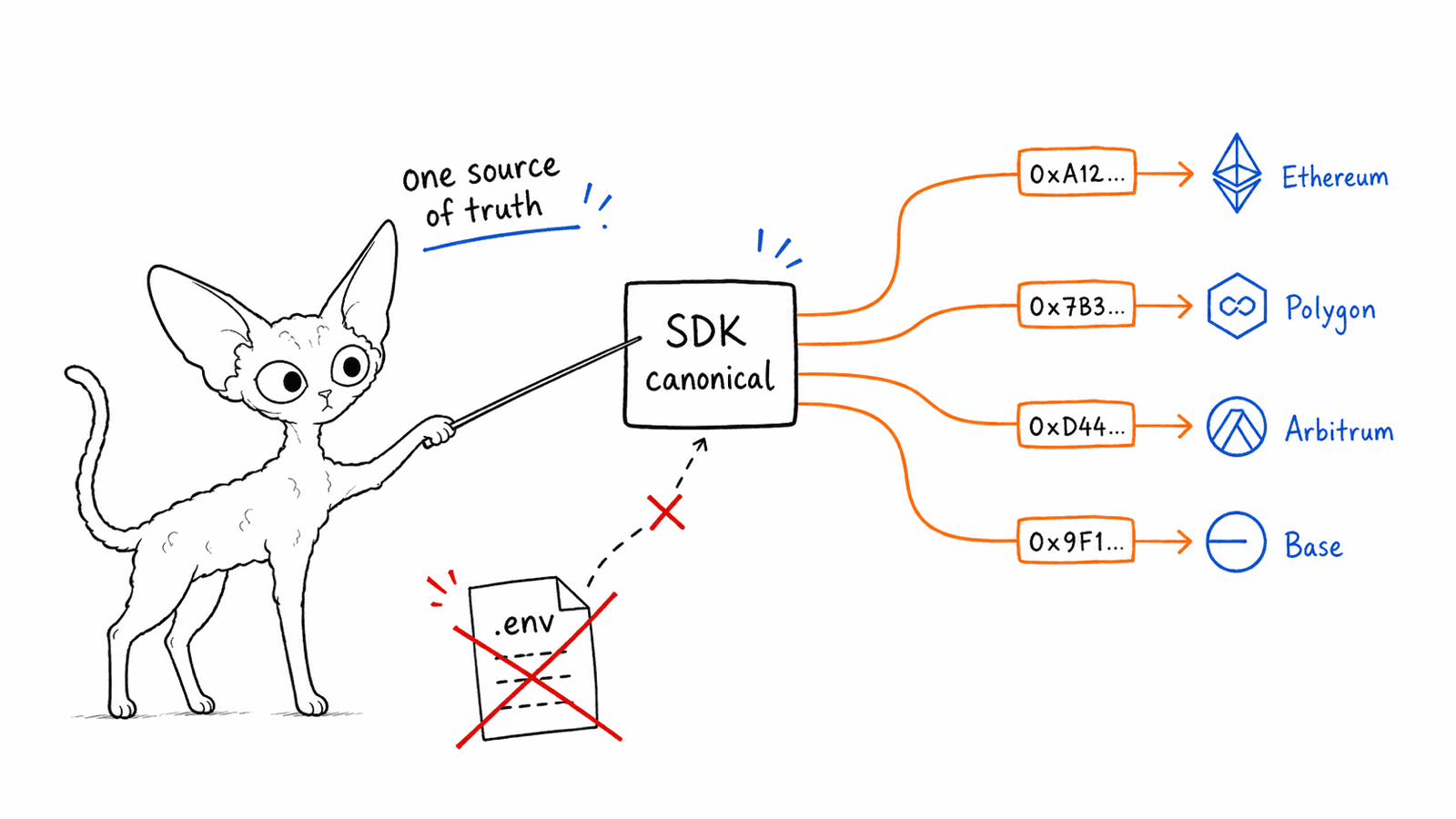
At /admin, view protocol status and config: the active chain (e.g. Sepolia 11155111), contract addresses, paymaster presets, and more.

⚙️ How it works: Addresses come from the @aastar/sdk canonical table, not .env, to avoid mis-pointing (cf. the historical 0x1f0D incident).

💡 Why it matters: One panel to see the protocol's real, current state.

ADM-01
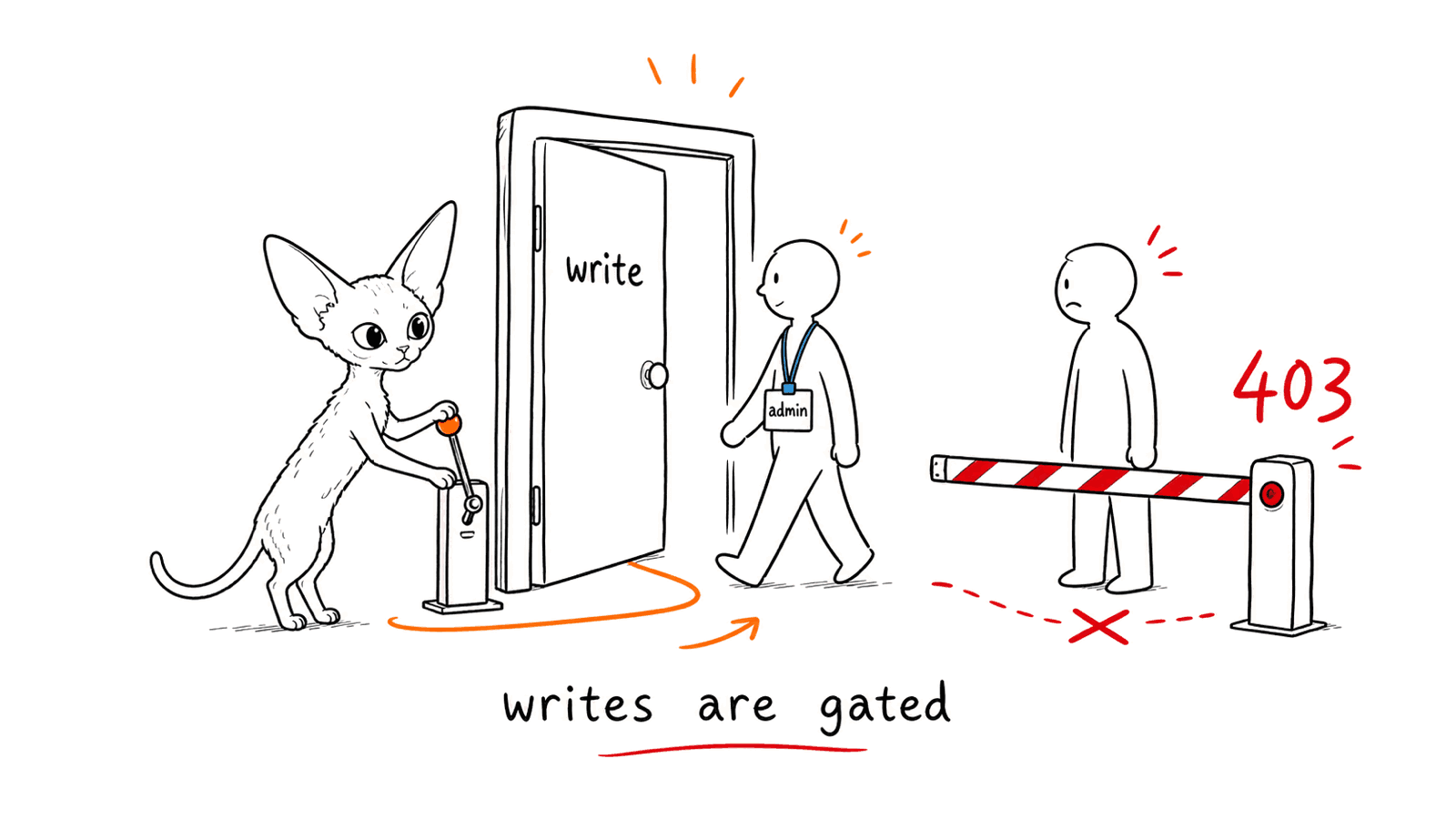
2 Writes are permission-gated

Writes are permission-gated

Only admins can perform protocol writes; a non-admin hitting a write op is clearly rejected (403), never silently allowed.

⚙️ How it works: Backend auth guards + role checks (ROLE_* / SBT); the frontend also hides actions you can't use.

💡 Why it matters: Clear permission boundaries; governance actions are traceable and auditable.

ADM-02ROLE-01
3 One chain-consistent source of truth

One chain-consistent source of truth

On network switch, chainId stays consistent across publicClient / SDK / explorer; addresses, community aggregation and permissions all defer to the SDK.

⚙️ How it works: No hard-coded addresses; SDK canonical > .env, eliminating environment drift at the root.

💡 Why it matters: The protocol behaves consistently across chains and environments — no drift.

X-06ADM-01